
We never sell your data
We do not rent or trade it either. It is in our privacy policy.
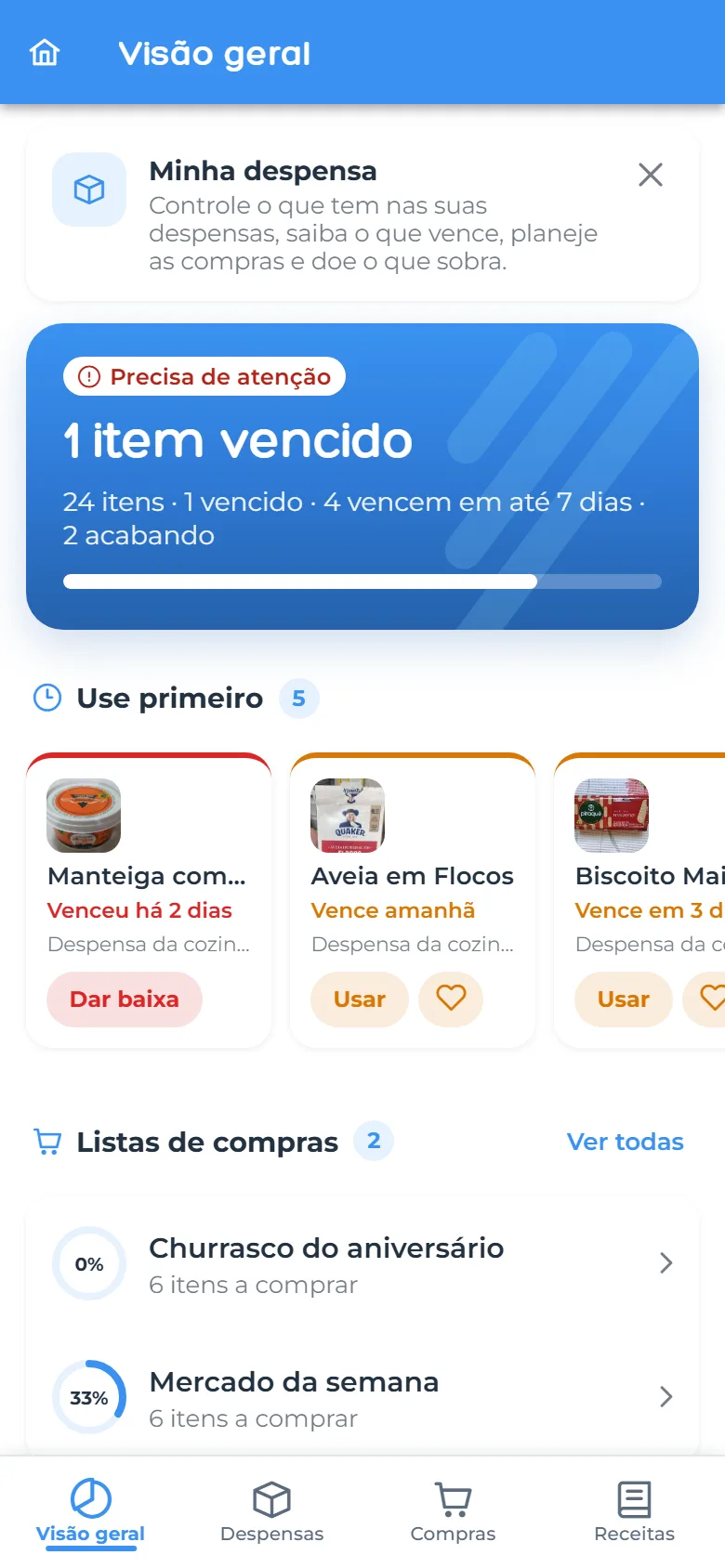
Rufi shows what you have, what is about to expire, what you still need to buy, which bills are due and who owes whom. And AI helps on every screen, always based on your own data.
Free to start · 7 days of Premium, no card required

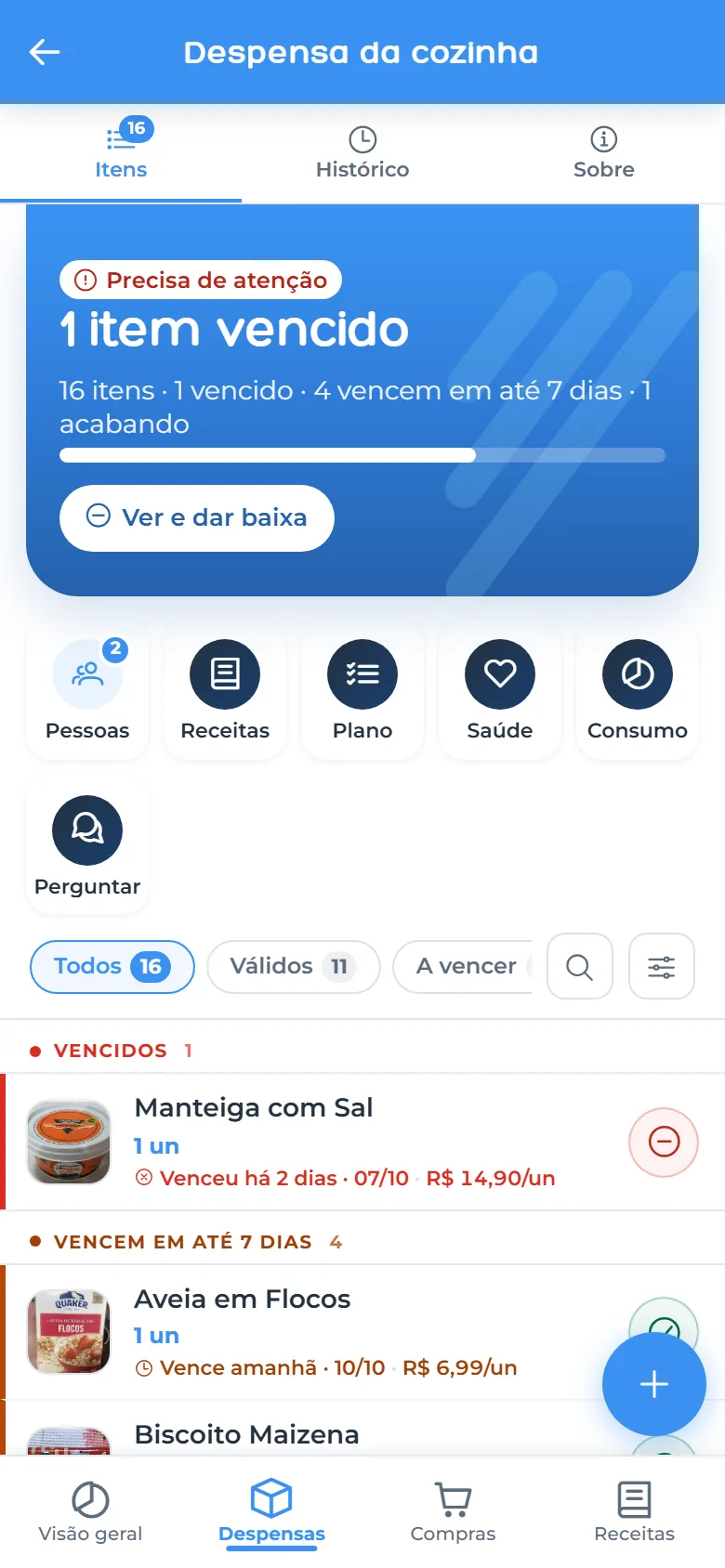
Add items by barcode, organize as many pantries as you like and get a heads-up before things expire. Rufi lines up what to use first and shows how much you saved this month.
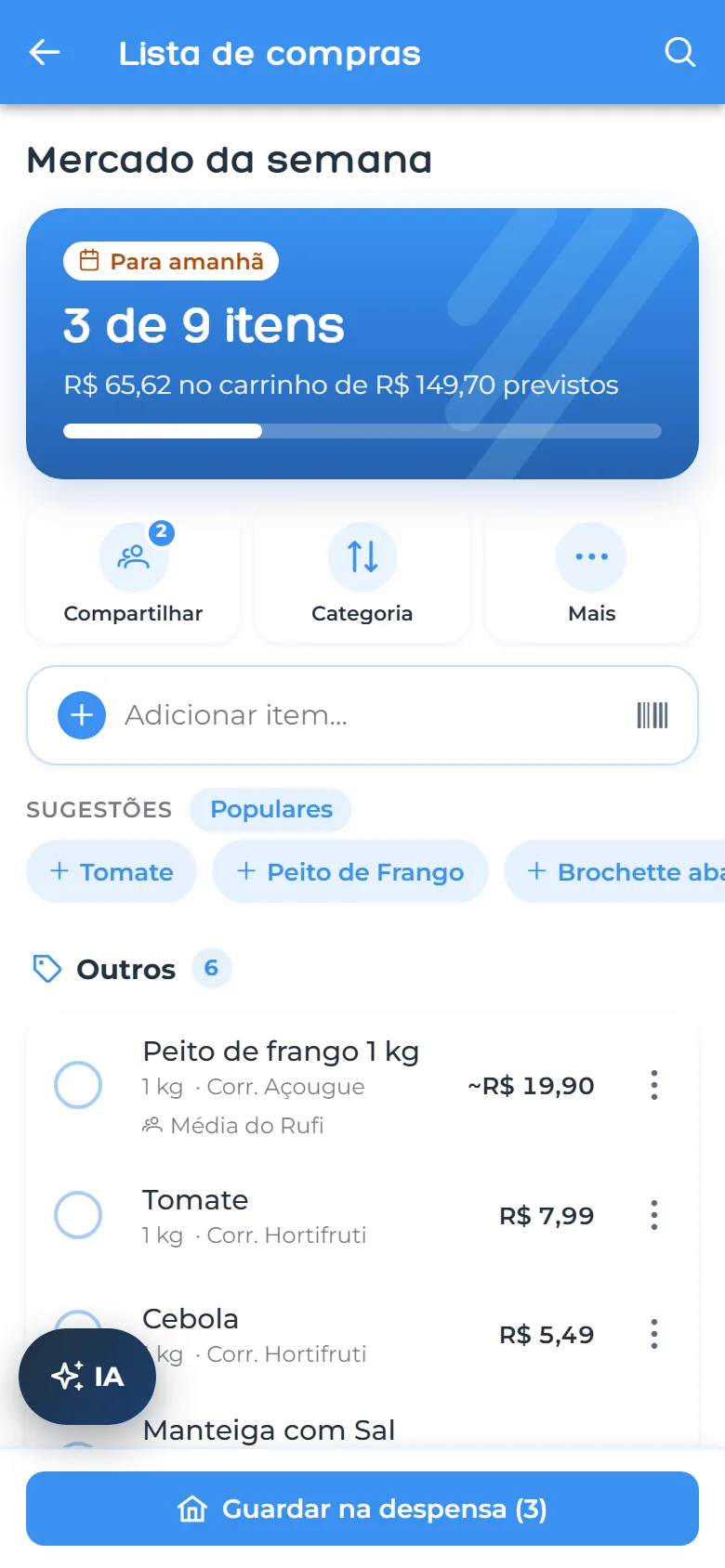
Share the list and watch items get checked off at the store. Rufi estimates how much you will spend and, when you are done, moves everything to the pantry in one tap.
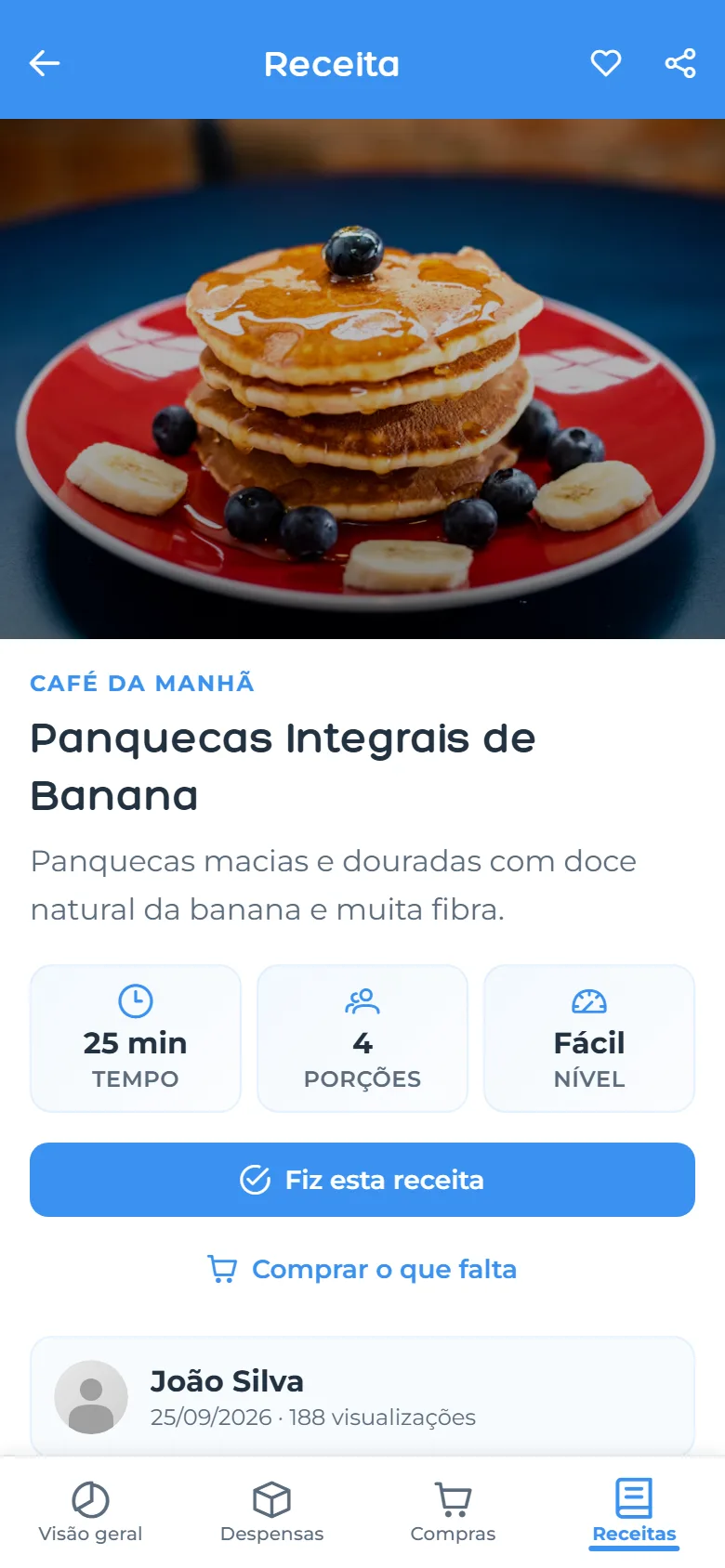
Filter by “Can make now”, see how many ingredients are already in your pantry and send what is missing straight to the list.
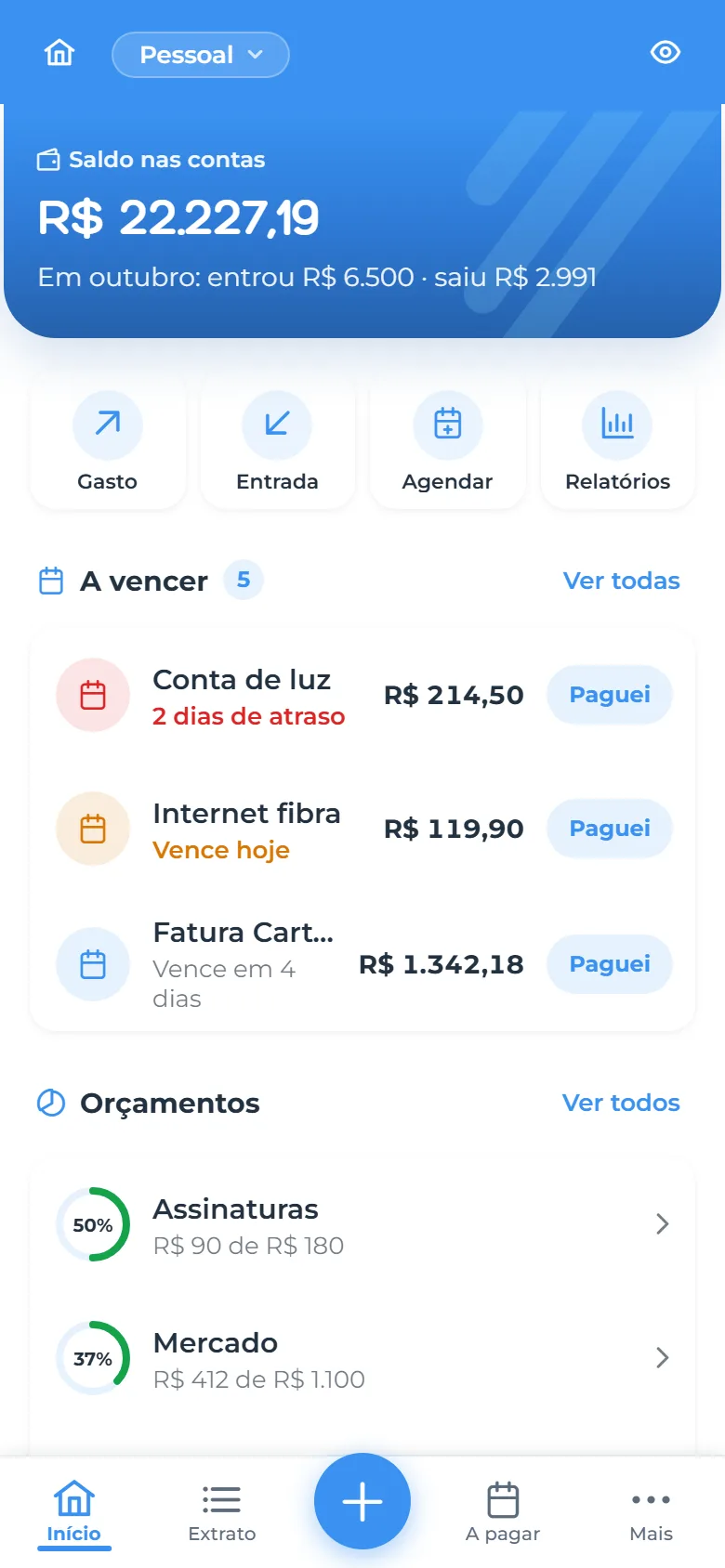
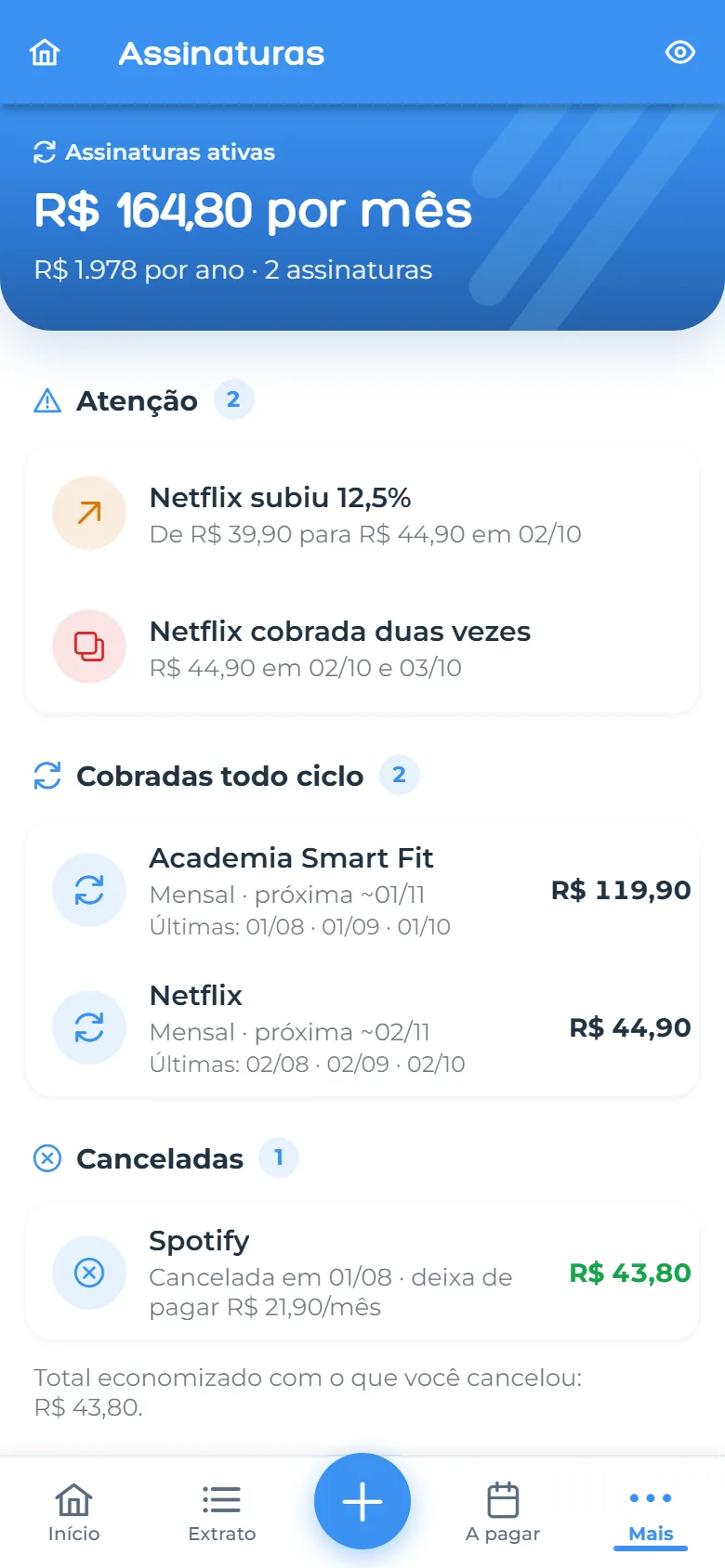
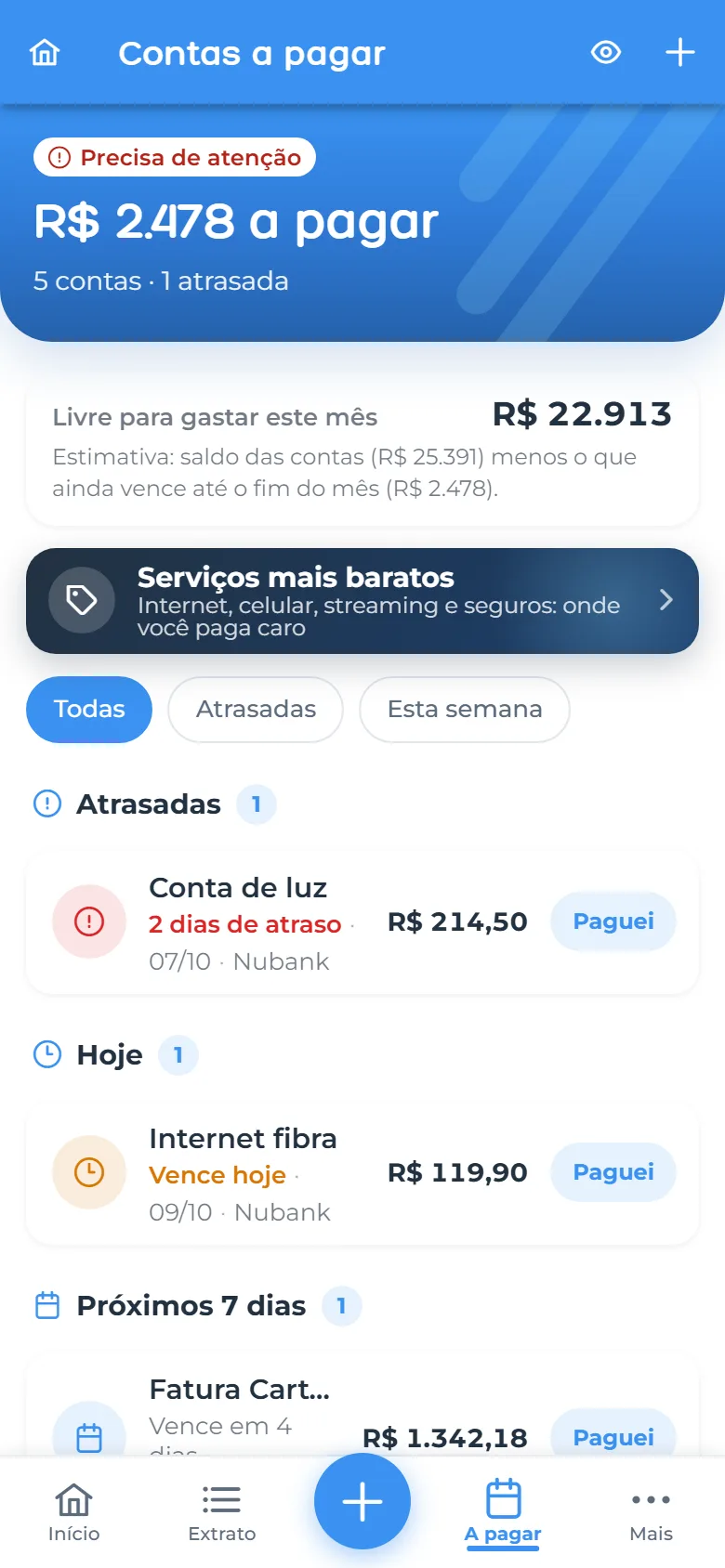
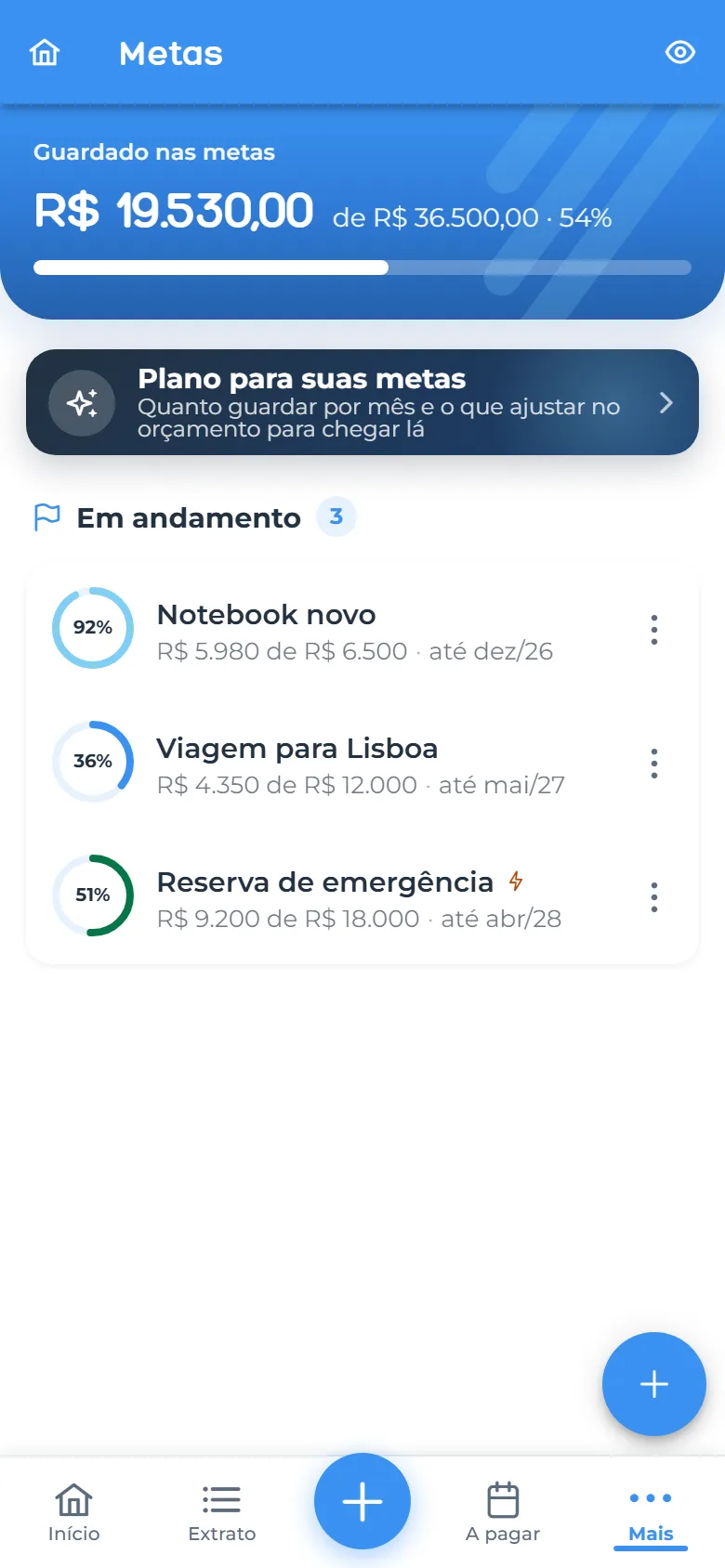
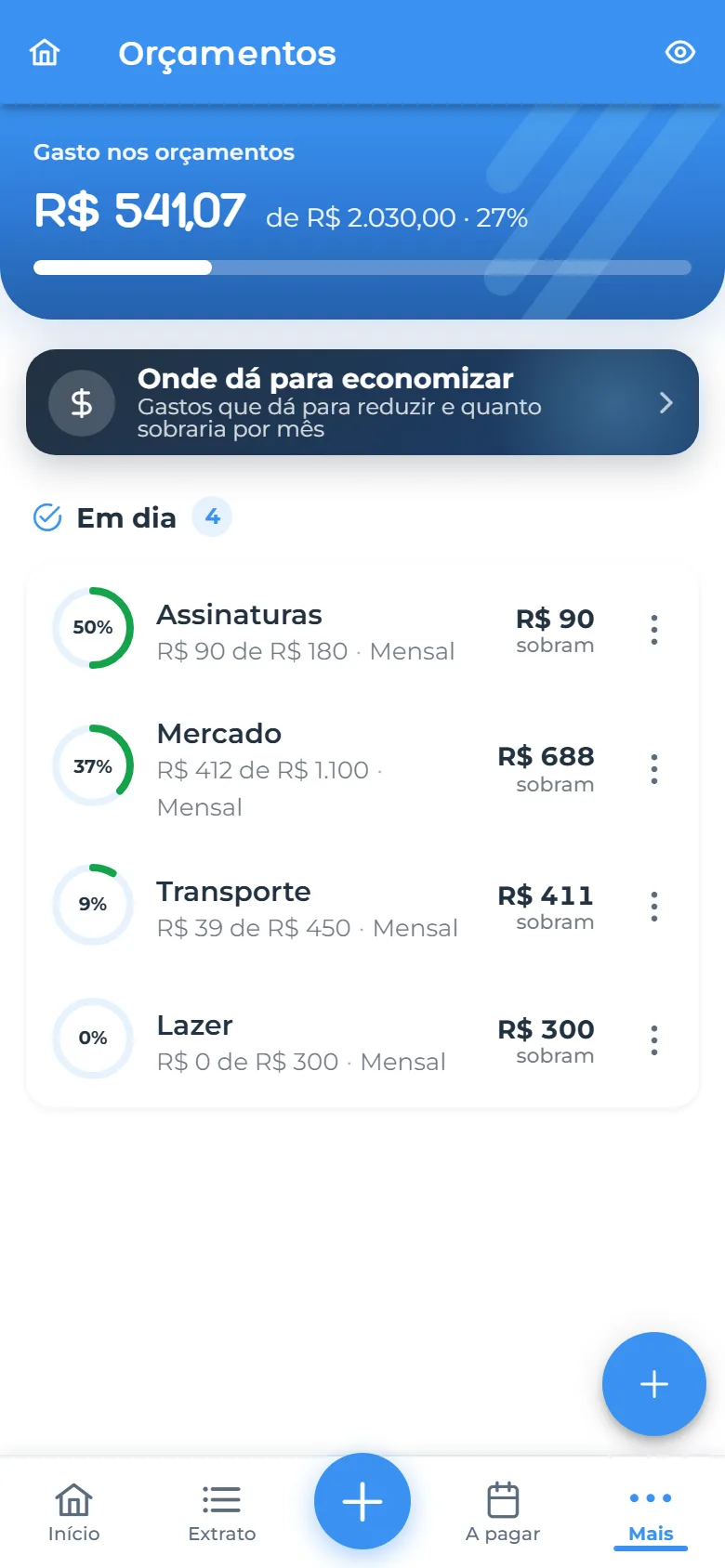
Bills with reminders, budgets by category, goals and a simple statement. You enter what you want: Rufi never asks for your bank password or connects to your account.
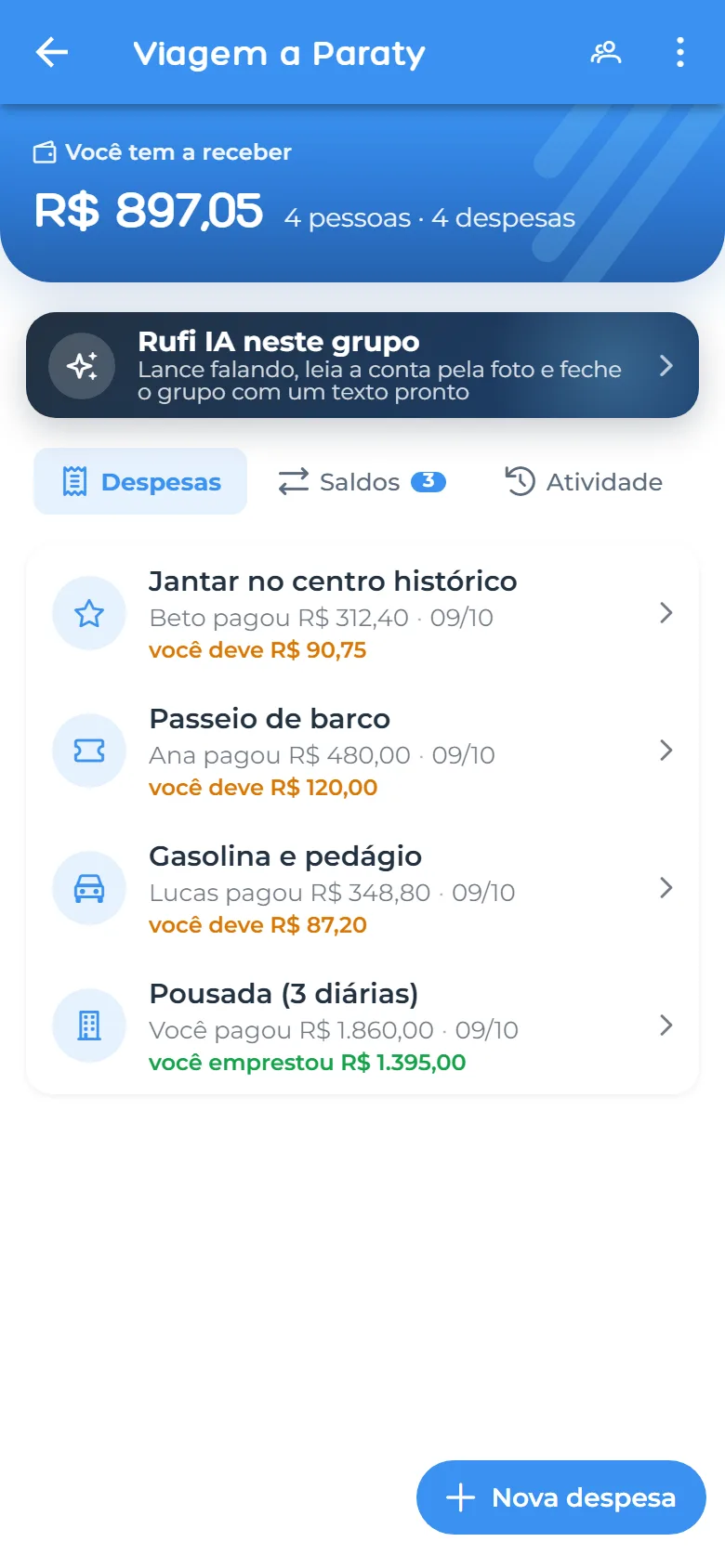
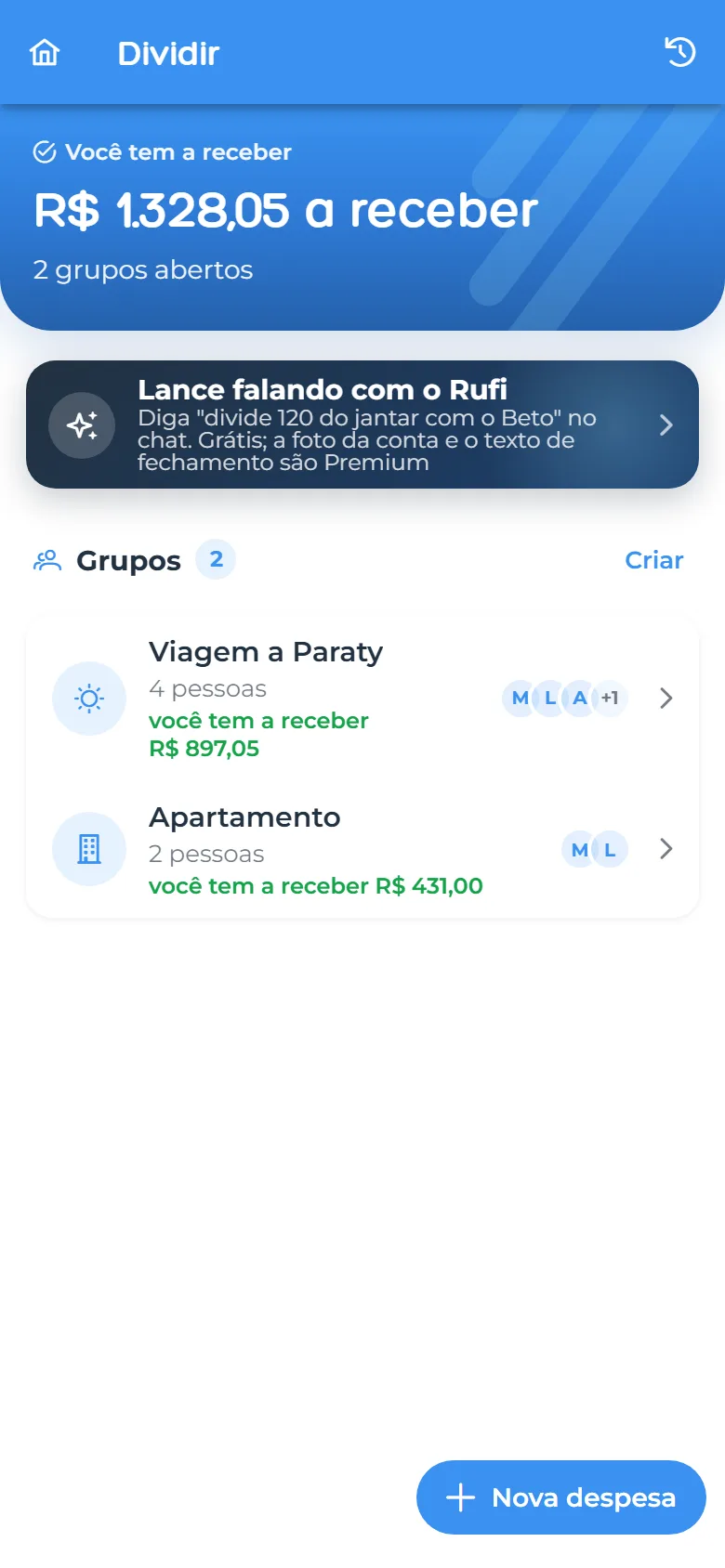
Create a group for the trip, the shared flat or the dinner. Split equally, by amount, by percentage or by item on the bill, and Rufi works out who pays whom with the fewest transfers.
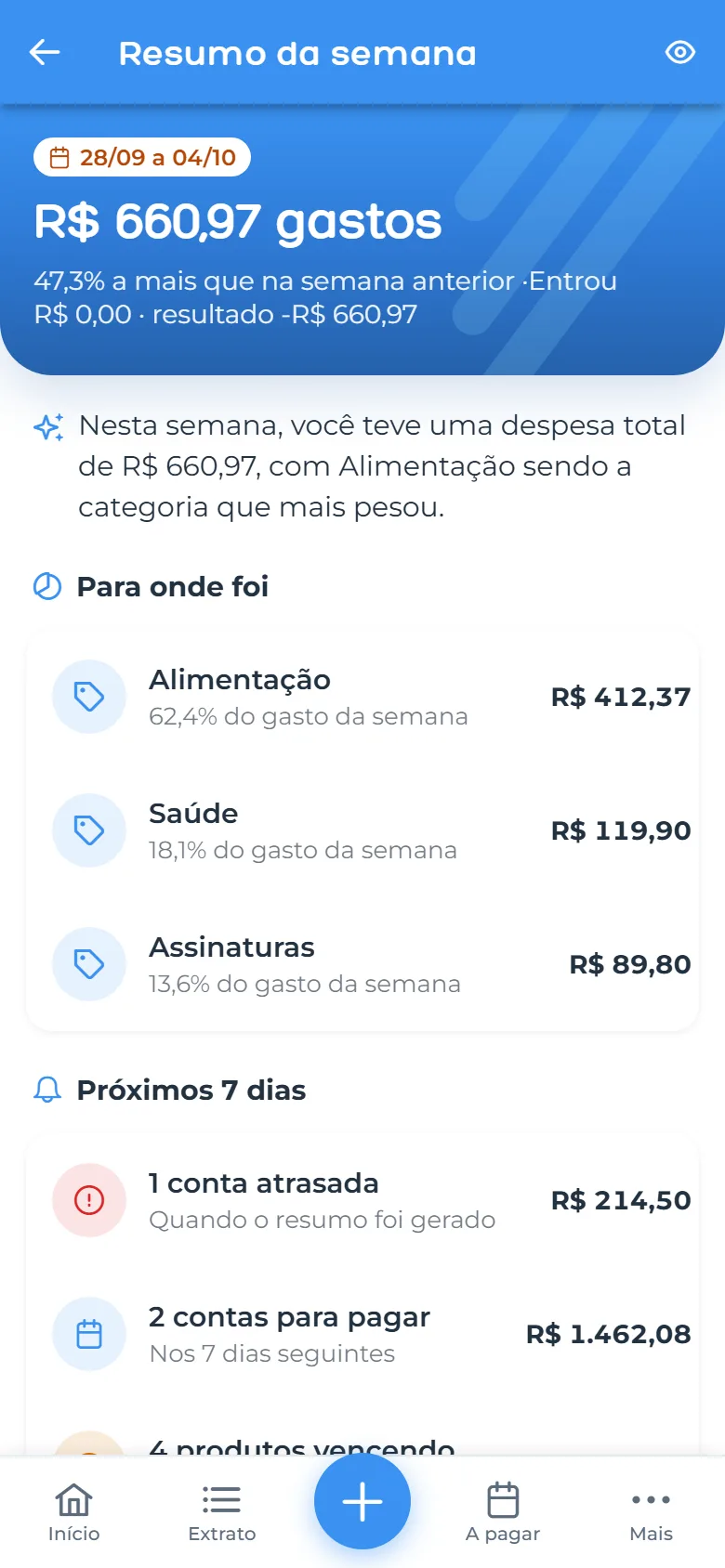
On every screen, Rufi suggests the next step using your data: recipes with what is about to expire, lists built from a goal, a weekly recap and where you can save. In the chat it also takes action: it adds items to a list, suggests recipes and adds expenses to Split, always with your confirmation.
Every Monday: what you spent, what is due and what you saved.
Every suggestion comes with the number behind it.
Hold the mic, review the text and send.
A monthly AI allowance at no cost.
AI-generated answers may contain inaccuracies.
Add items to your list and ask what is expiring without touching your phone.
You start with 7 days of Premium, no card required.
Pantry, lists, Finances, Split: use only the modules you want.
Share pantries, lists and groups with whoever you choose.
We do not rent or trade it either. It is in our privacy policy.
Finances works with what you enter. We never ask for access to your bank account.
Finances has its own lock, and sensitive data is encrypted.
Export your data or delete your account from the app whenever you want.
Subscriptions are billed by the App Store or Google Play. Rufi never sees your card.
For everyday use
$0
With usage limits.
For those who want it all, without limits
Price shown in your device’s store. Cancel anytime.
Yes. The free plan never expires and already includes pantry, lists, recipes, Split and a monthly AI allowance. Premium removes the limits and unlocks extra features.
When you sign up you get 7 days of Premium, with no payment method and no charge. When the trial ends, your account goes back to the free plan on its own; you are only charged if you subscribe.
No. You enter income, expenses and bills yourself. Rufi never asks for your password or access to your bank.
Yes. Add them by name and send their personal link: they see the balance and expenses and can say when they have paid, without installing anything.
Yes. Pantries and lists can be shared with view or edit permission, and Split groups bring together everyone on the trip or in the flat.
In the subscriptions area of the App Store or Google Play. You keep access until the end of the paid period and then go back to the free plan.
Portuguese, English and Spanish.
In the app, under Settings. Without access to the app, use the page rufi.app/delete-account: you confirm by email and the account is deactivated right away.
Download Rufi and start with 7 days of Premium, no card required.