
Fixed bills
Power, internet, rent: a reminder before the due date and “Paid” in one tap.
Bills with reminders, budgets, goals and a simple statement. You add or import whatever you want: Rufi never asks for your bank password.
Free! And you get 7 days of the Premium version, no card required.

Power, internet, rent: a reminder before the due date and “Paid” in one tap.
Found automatically, with alerts for price increases and double charges.
Bill priority shows what to pay first when money does not cover everything.
Installments, interest and fees linked to each payment.
Set goals and track how much is left.
Type entries or import a bank statement or spreadsheet, with a preview before saving.
Bills coming due, budgets at their limit and subscription price increases.
“Free to spend” shows your balance minus what is still due this month.
| Topic | Today | With Rufi |
|---|---|---|
| Bank access | Giving your password or connecting your account | Works with what you add or import, no bank password |
| Bills | Keeping it all in your head | A reminder before the due date and “Paid” in one tap |
| Subscriptions | Spotting the price rise on the statement | Found automatically, with alerts for price rises and double charges |
| Tight month | Paying in whatever order you remember | Bill priority shows what to pay first |
| Spending from other modules | Entering it again by hand | The receipt photo and your share in Split become entries |
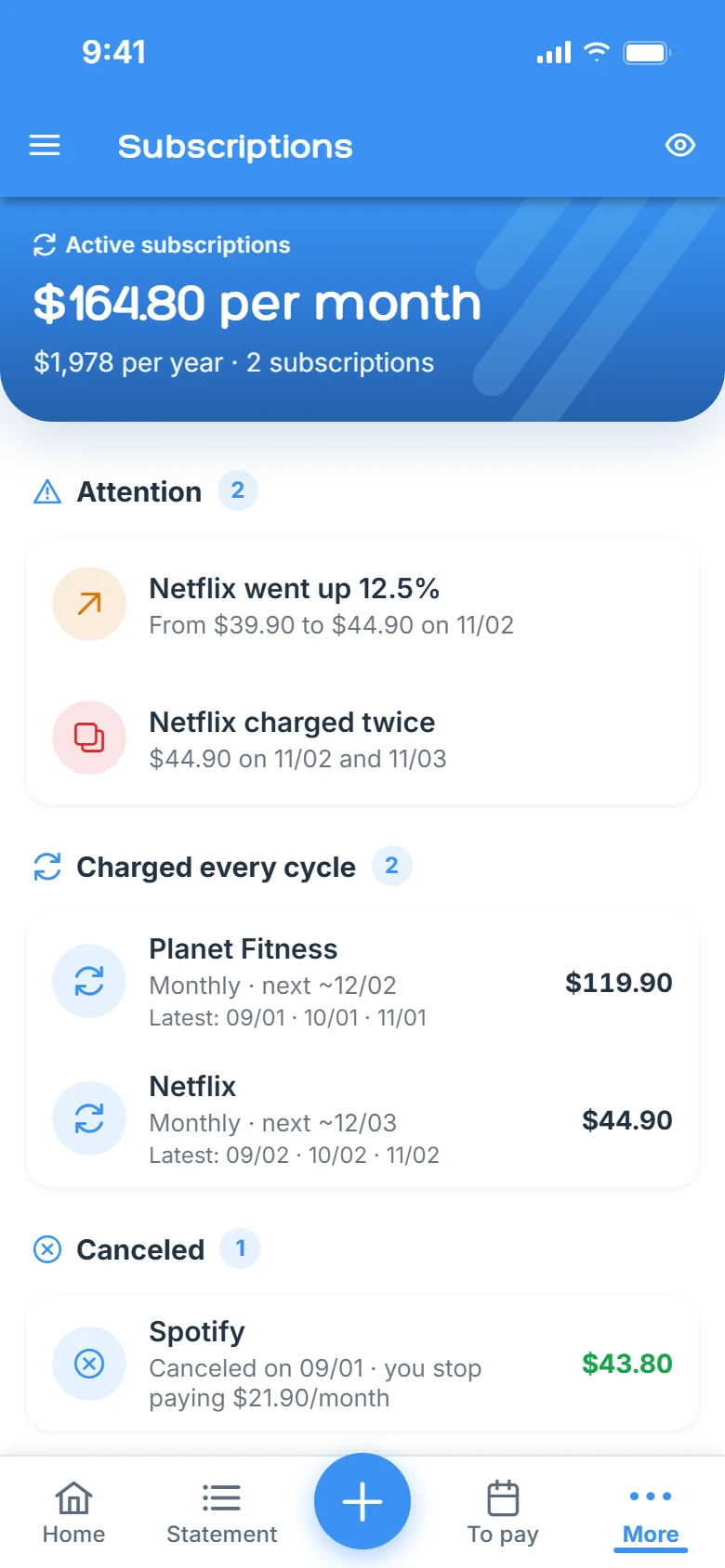
Real app screens, with sample data.
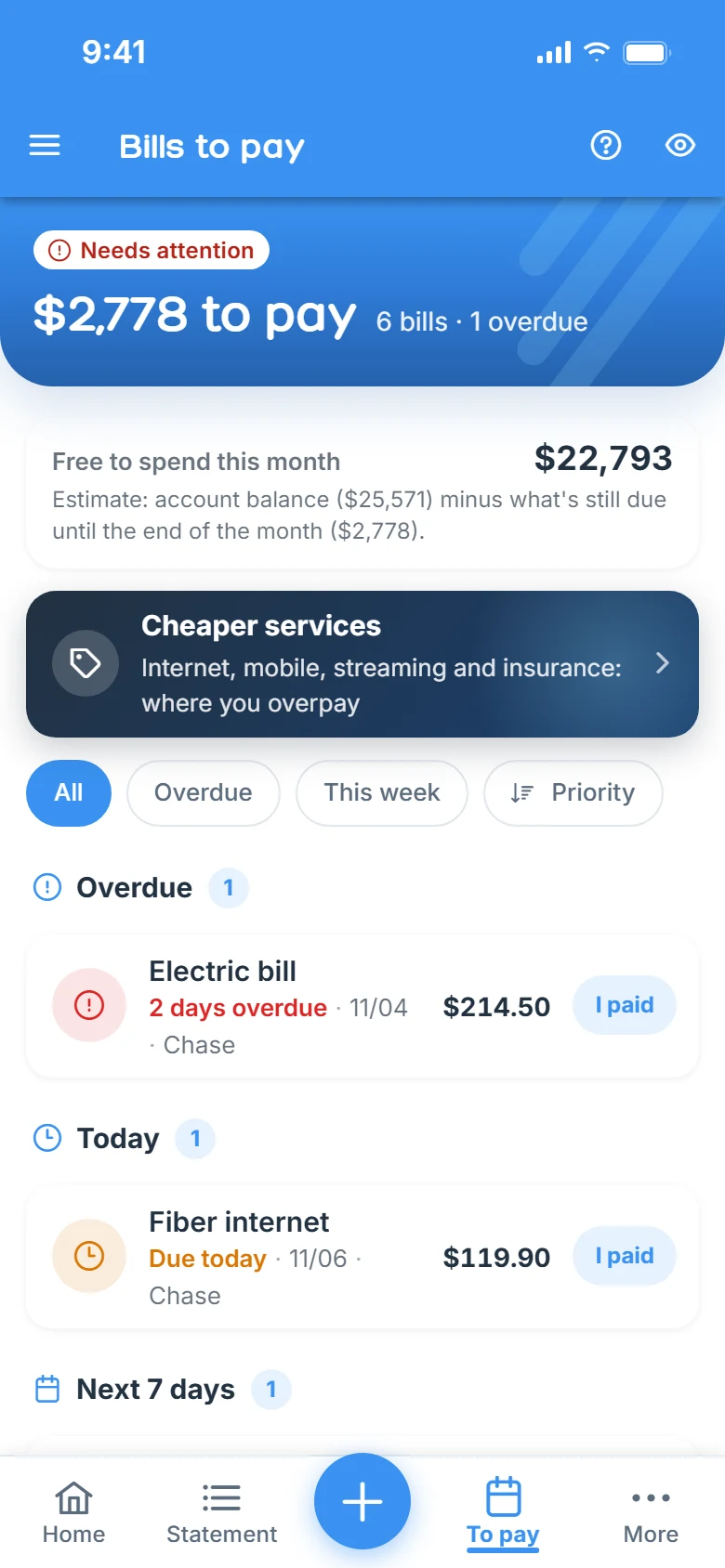
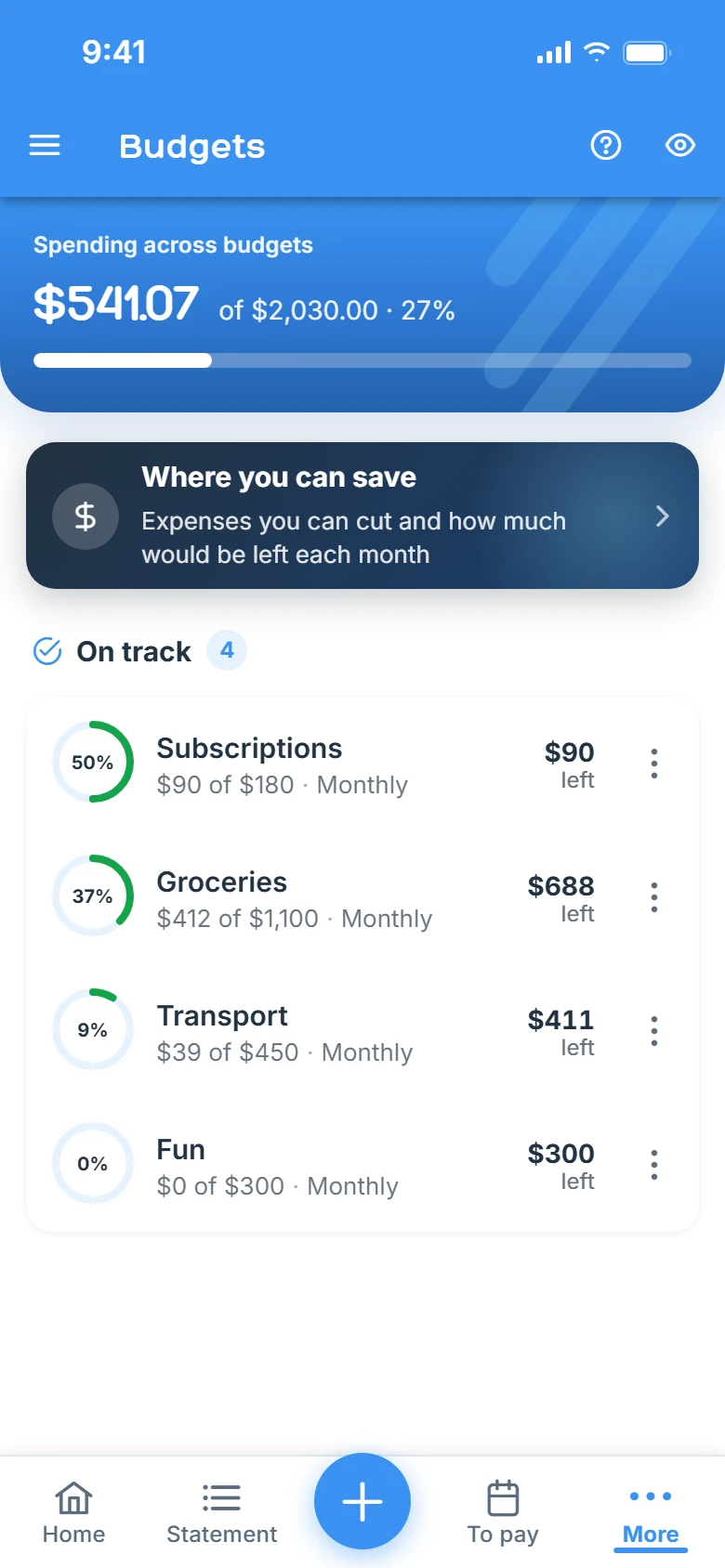
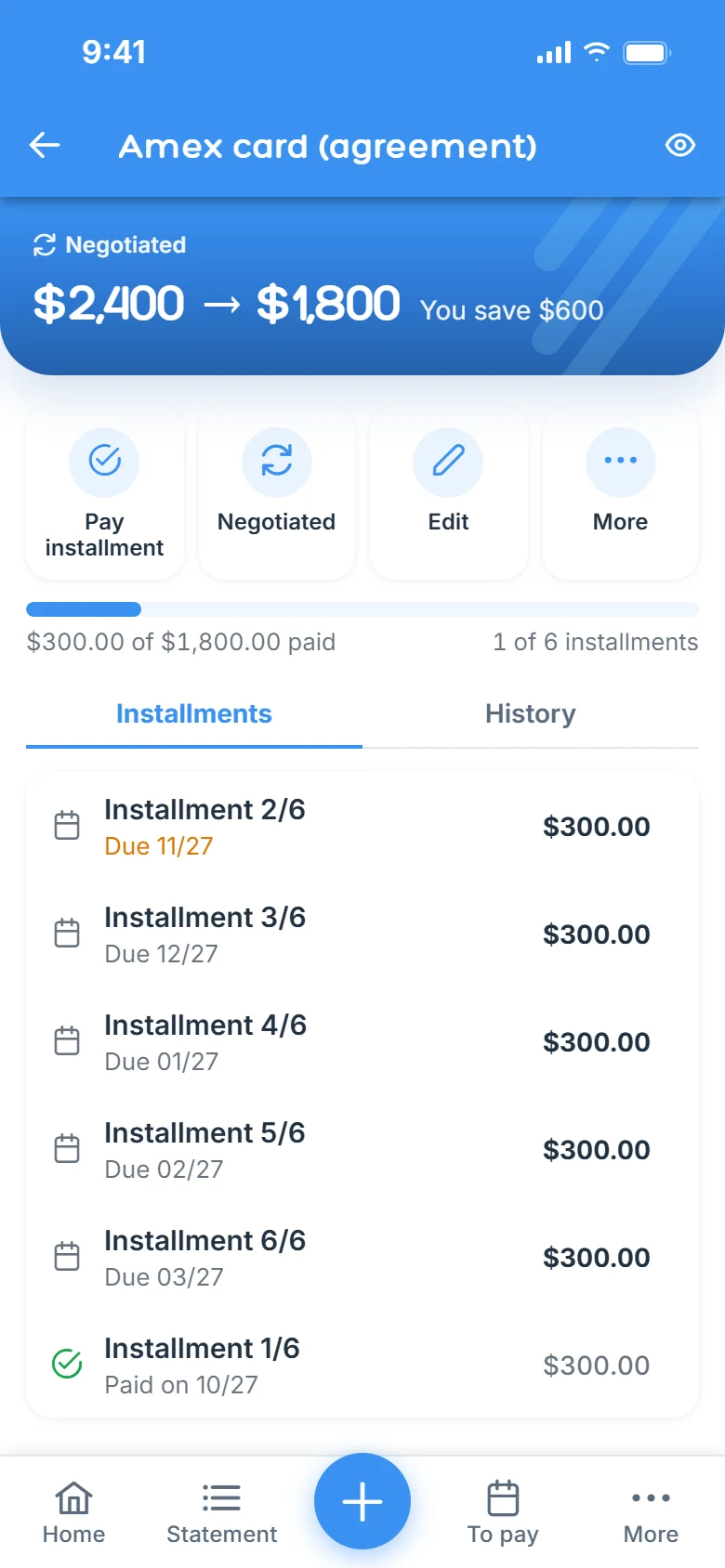
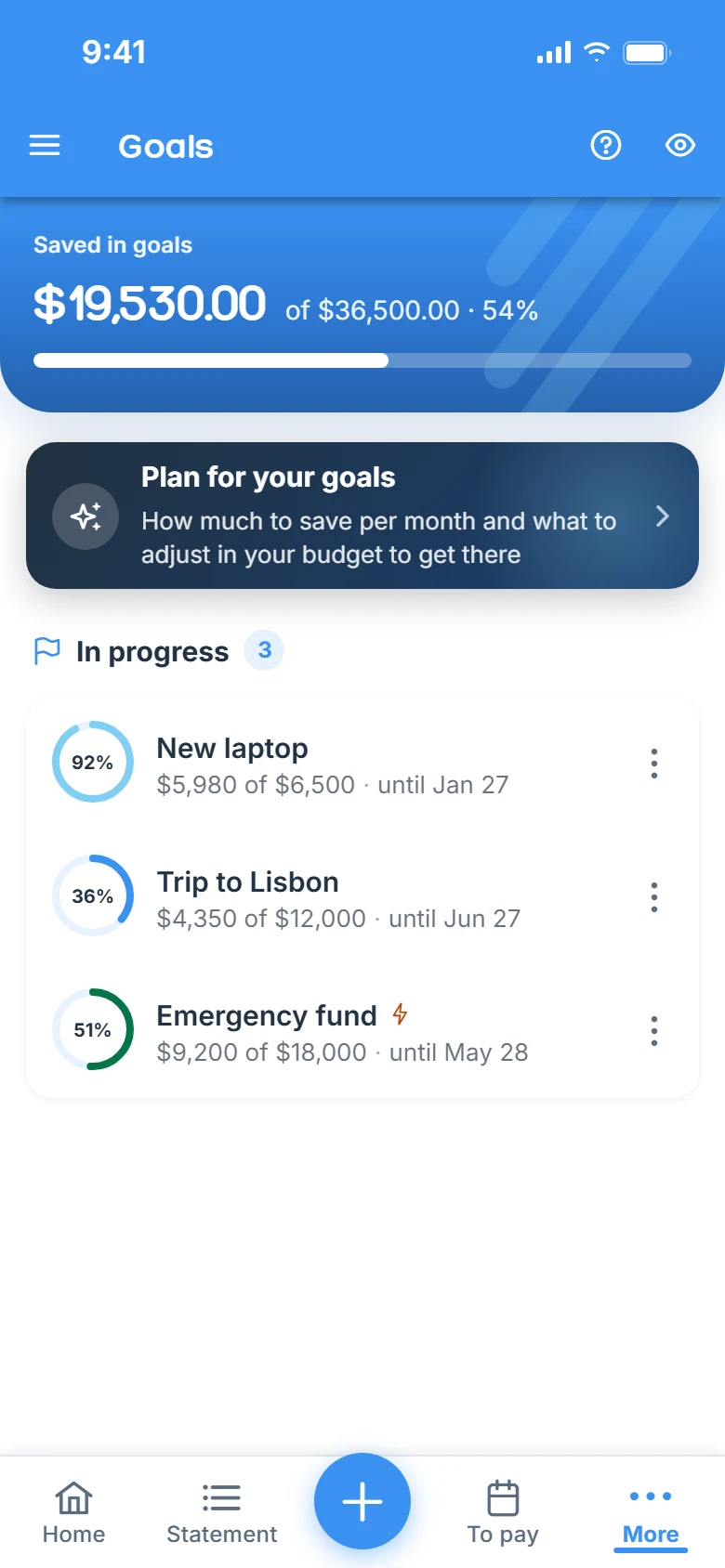
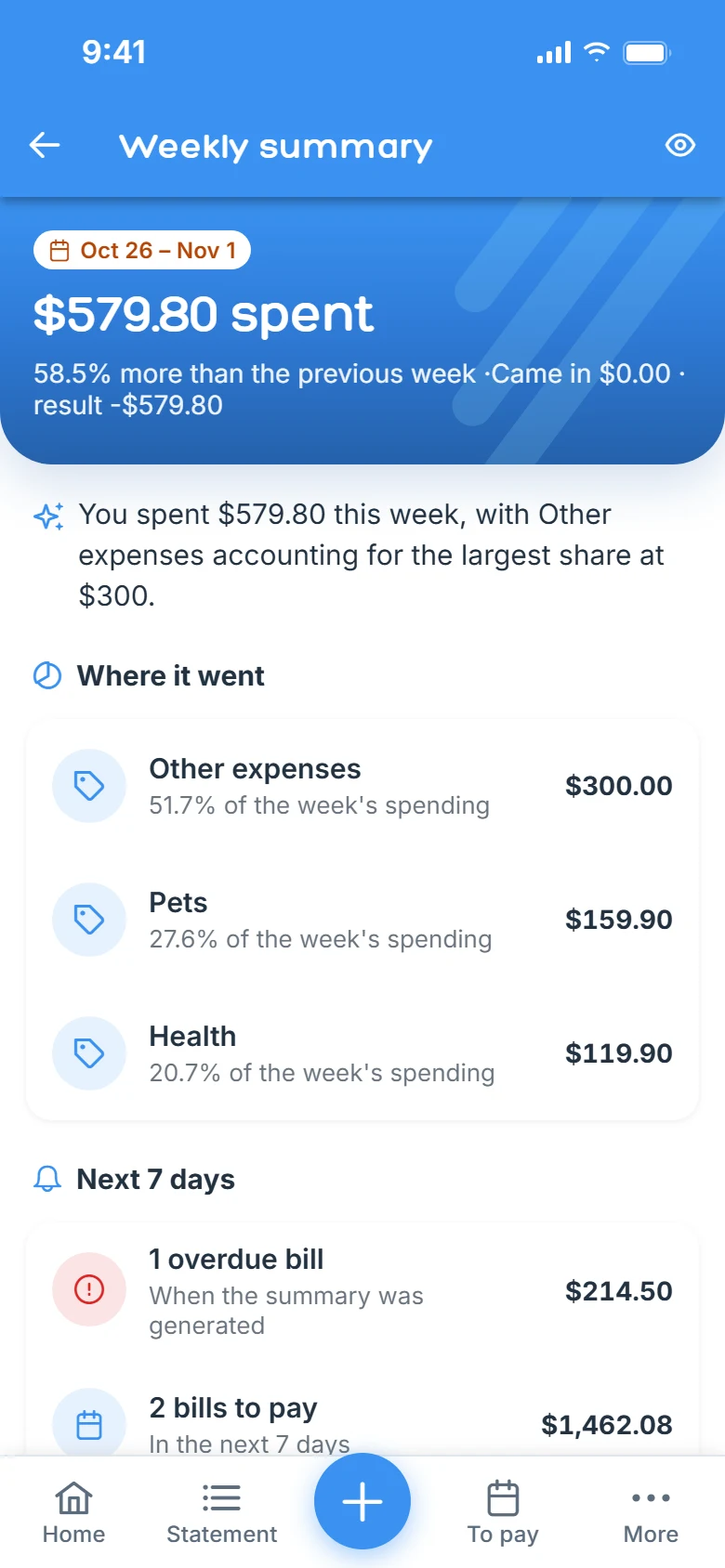
Finances works with what you add or import. Rufi never asks for your password or access to your bank account, and the widget shows bills without amounts.
No. You add income, expenses and bills, or import a statement. Rufi never asks for your password or access to your bank.
Yes. Import your bank file or any spreadsheet: Rufi shows a preview and saves only after you review it.
From your entries: it recognizes recurring charges and alerts you when the amount goes up or shows up twice.
Finances has its own PIN and biometric lock, the connection is always encrypted and we never sell your data.
Your balance minus the bills still due this month: how much you can spend without falling short on what is already committed.
Download Rufi and add your first bill.