
Big monthly shop
The long list, with the estimated total before you leave.
Share the list and watch each item being checked off at the store. Rufi estimates what the trip will cost and, at the end, moves everything to your pantry in one tap.
Free! And you get 7 days of the Premium version, no card required.

The long list, with the estimated total before you leave.
Everyone adds what ran out and sees what has already been bought.
“Buy what’s missing” adds only what is not in your pantry.
A list for the event, separate from the everyday one.
The list stays on your phone and what you check off syncs when you are back online.
Type, paste a ready-made list or tell the AI your goal and it builds one.
Invite whoever shops with you, with view or edit permission.
Check items off at the store and move everything to the pantry in one tap.
| Topic | Today | With Rufi |
|---|---|---|
| Shared list | Everyone with their own in a notes app | One list, checked off in real time |
| How much you will spend | Finding out the total at the checkout | Expected total before you leave, item by item |
| No signal at the store | The list does not load | Saved on your phone and synced later |
| Recipe of the week | Copying ingredient by ingredient | “Buy what is missing” sends only what is not in your pantry |
| After shopping | Putting it all away and writing it down again | Items go into the pantry in one tap |
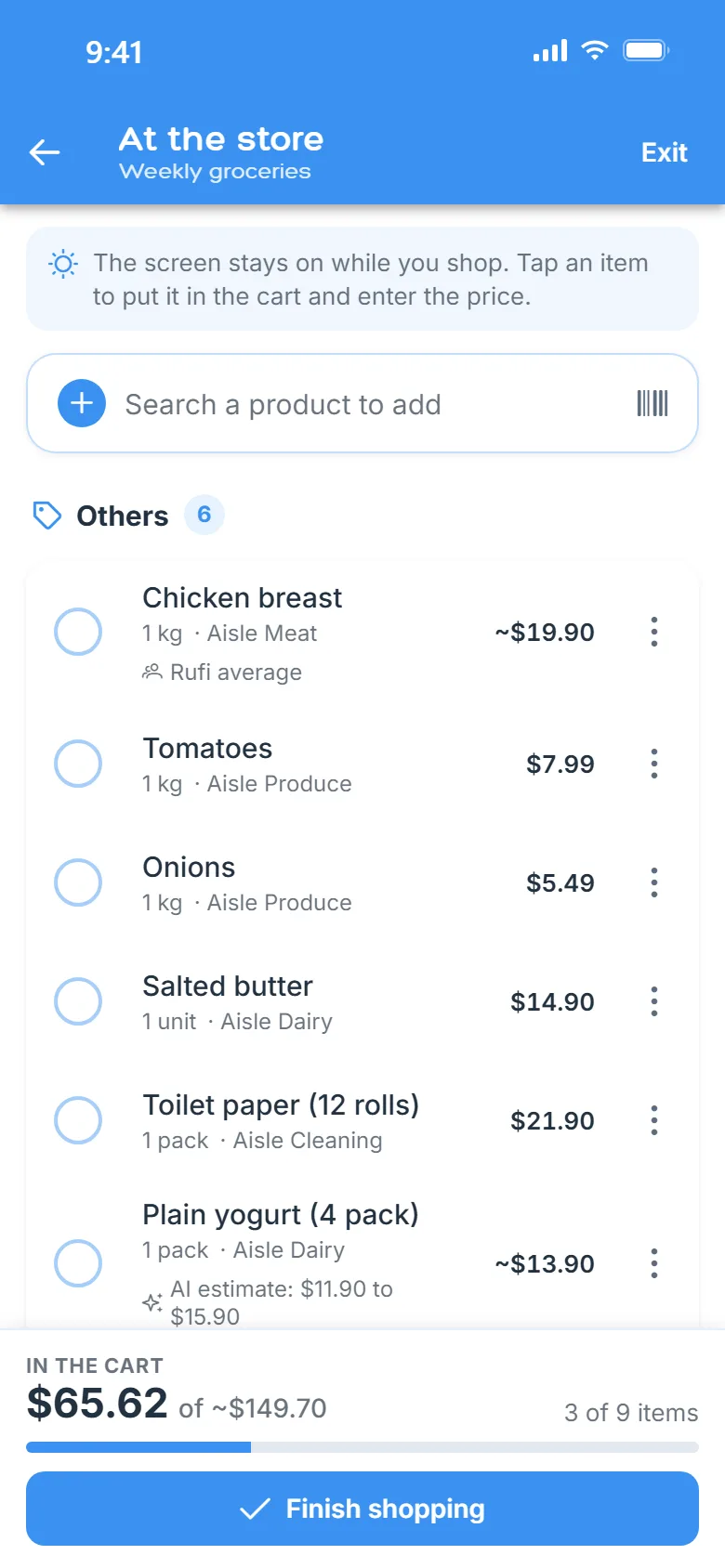
Real app screens, with sample data.
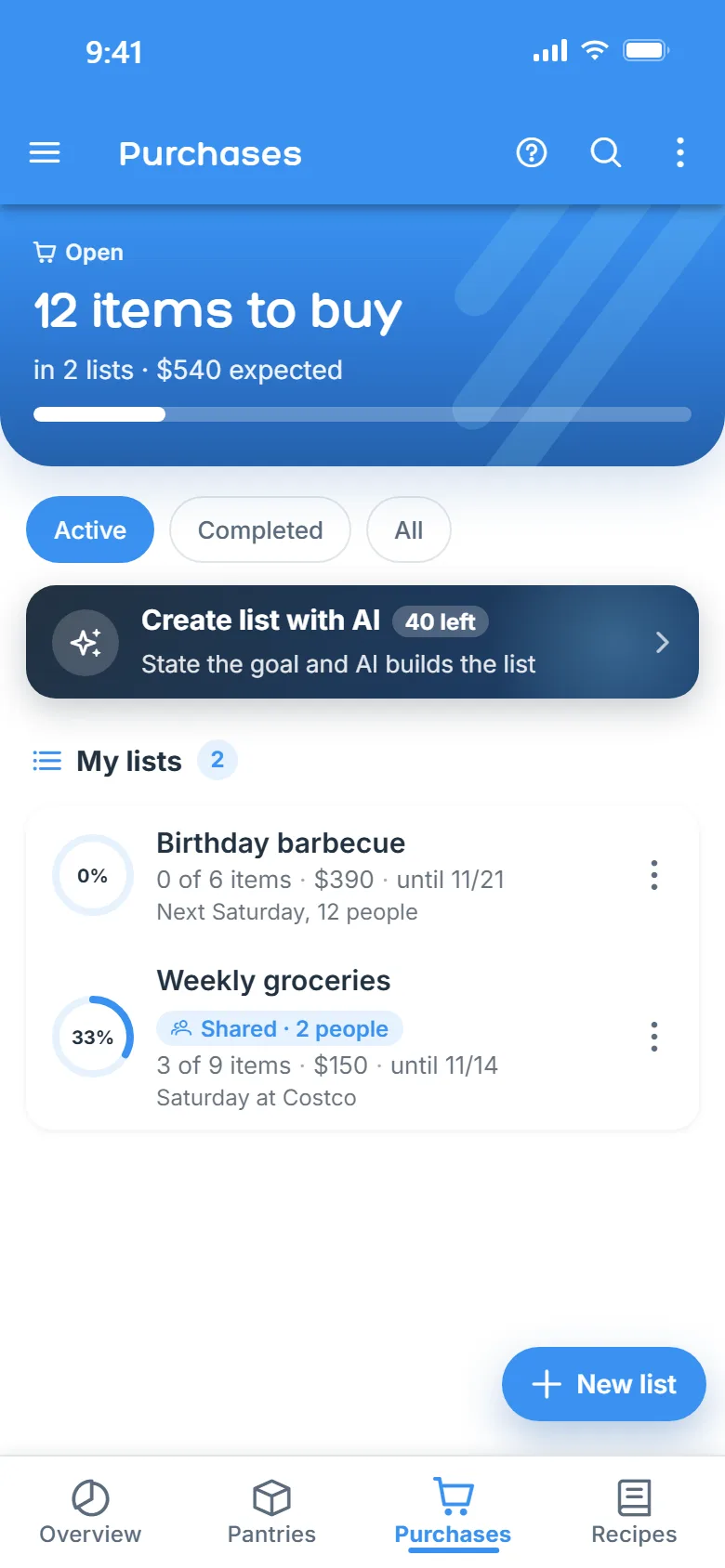

Yes. The free plan already includes shared lists, with quantity limits. Premium unlocks unlimited lists.
From what you paid before. If you have never bought the item, from the average other people reported or an AI estimate. It is an estimate, not the store price.
Yes. The list stays on your phone and what you check off syncs when you are back online.
Yes. Share the list with whoever you choose, with view or edit permission, and every checked item shows up instantly for everyone.
Yes: paste the text into the list or use your phone’s share button to send it straight to Rufi. Nothing is saved until you review it.
Download Rufi for free and create your first list now.