
Kitchen
Food with expiry dates and a “use first” queue.
Add items by barcode, organize as many pantries as you like and get a heads-up before anything expires. Rufi shows what to use first.
Free! And you get 7 days of the Premium version, no card required.

Food with expiry dates and a “use first” queue.
In a separate pantry, organized your way.
Work supplies, shared with the people who use them.
Everyone who shares the space sees and updates the same pantry.
Got extra? Donate what you won’t use through a link.
By barcode (name, brand and photo come along), several codes in a row or a spreadsheet.
Rufi warns you before things expire and lines up what to use first.
Mark items as used in one tap and see recipes with what you already have.
| Topic | Today | With Rufi |
|---|---|---|
| Expiry dates | Finding out when it has already expired | A heads-up before it expires and the list of what to use first |
| Adding items | Typing them one by one | Barcode, a photo of the shelf or of the receipt |
| Shared space | Everyone knows only part of it | The same pantry for everyone, with view or edit permission |
| Leftovers | They end up in the bin | Recipes with what is about to expire and donating by link |
| When shopping | Buying what you already had stored | The list shows what is already in your pantry |
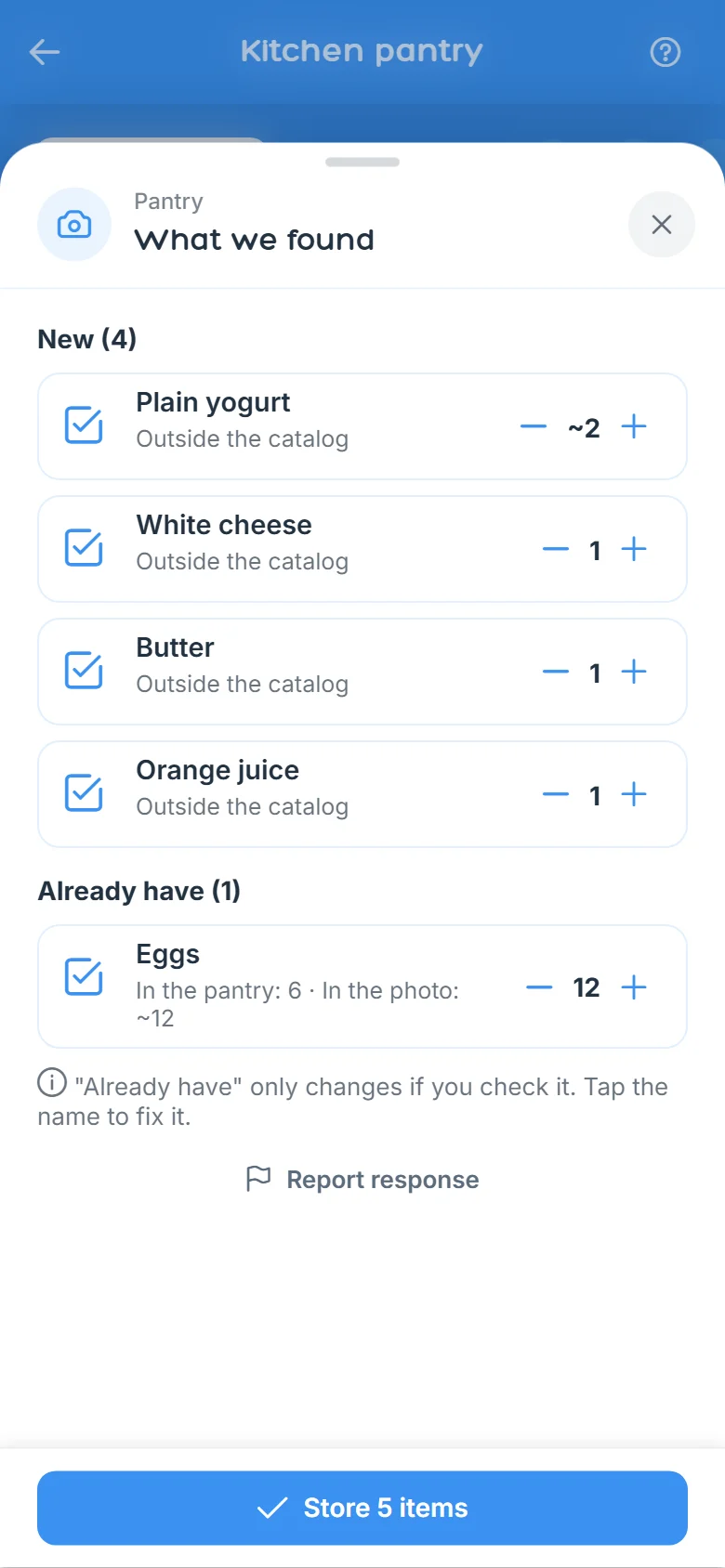
Real app screens, with sample data.
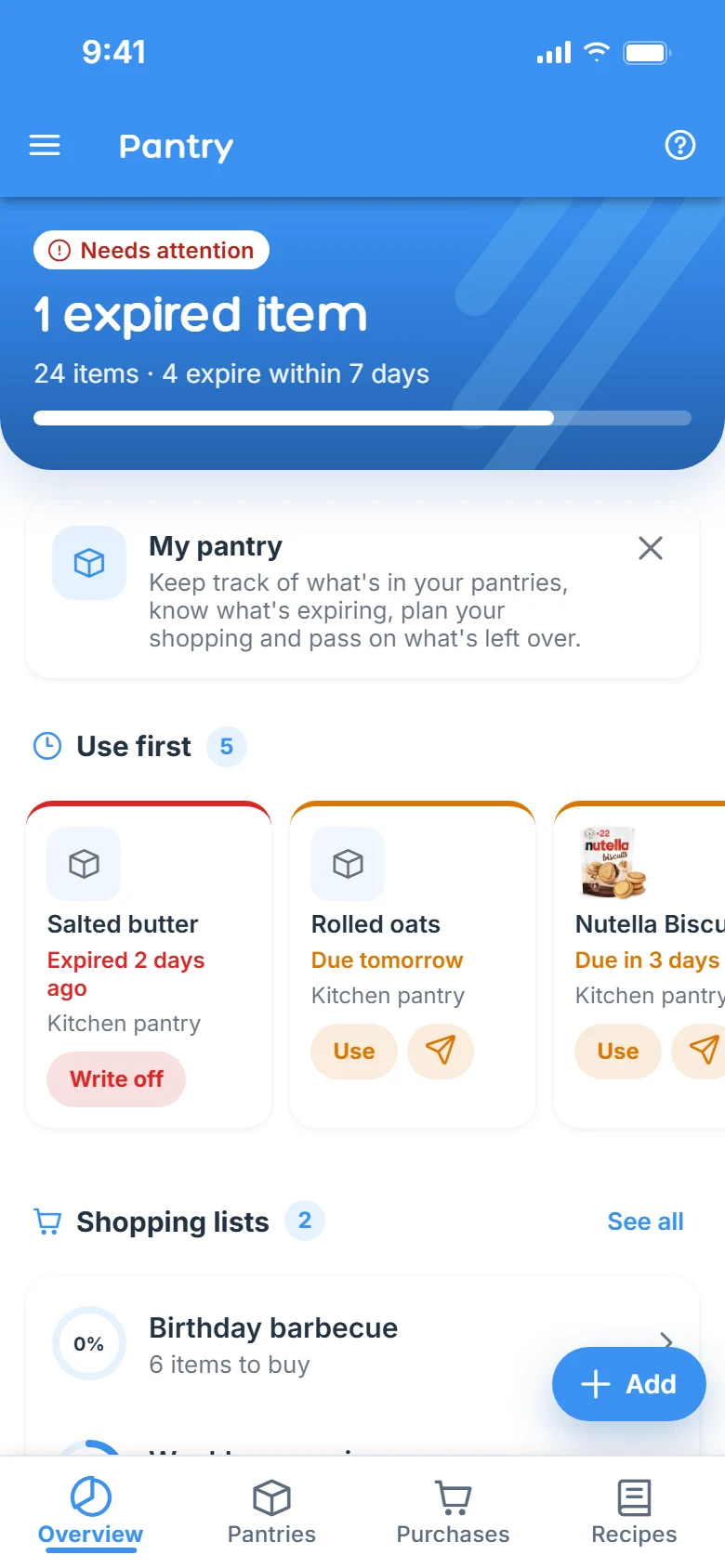
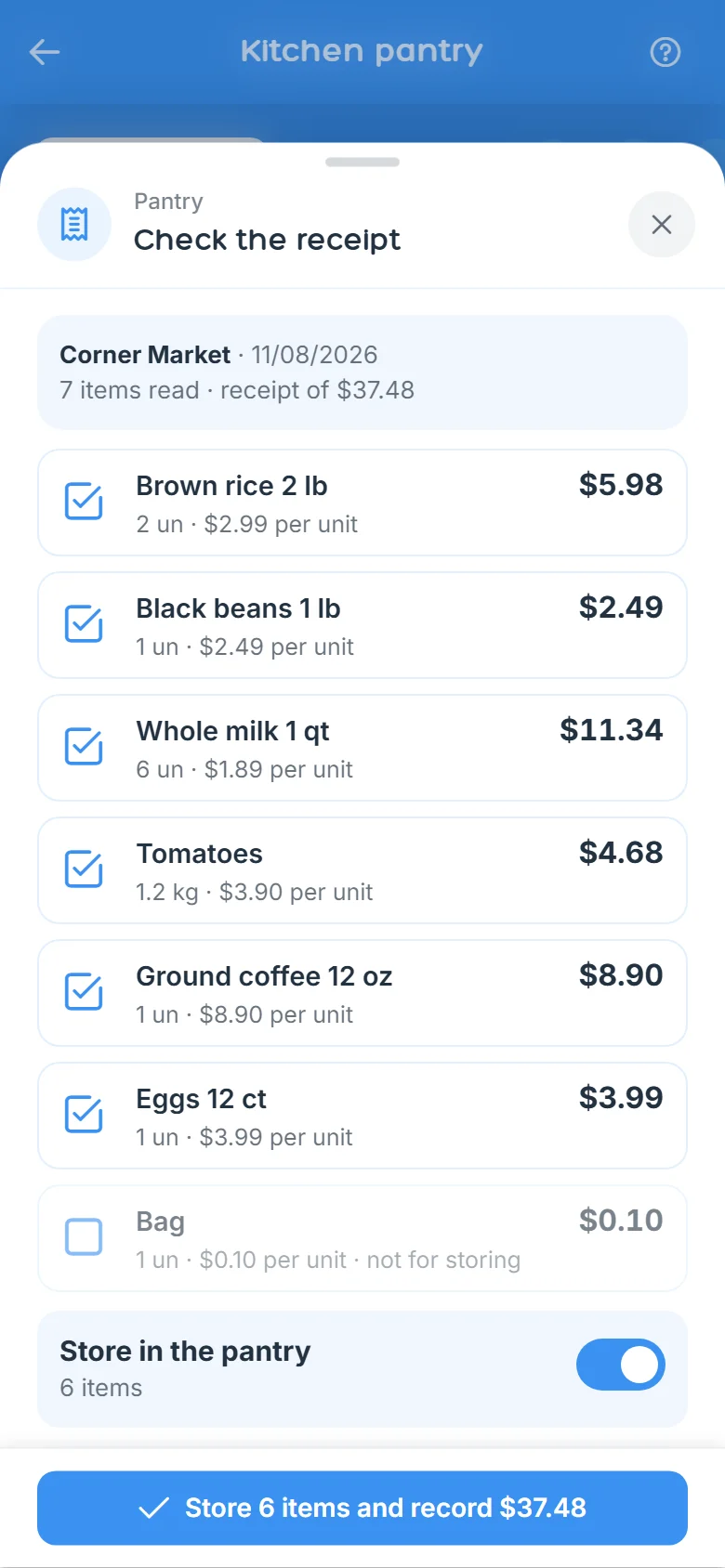
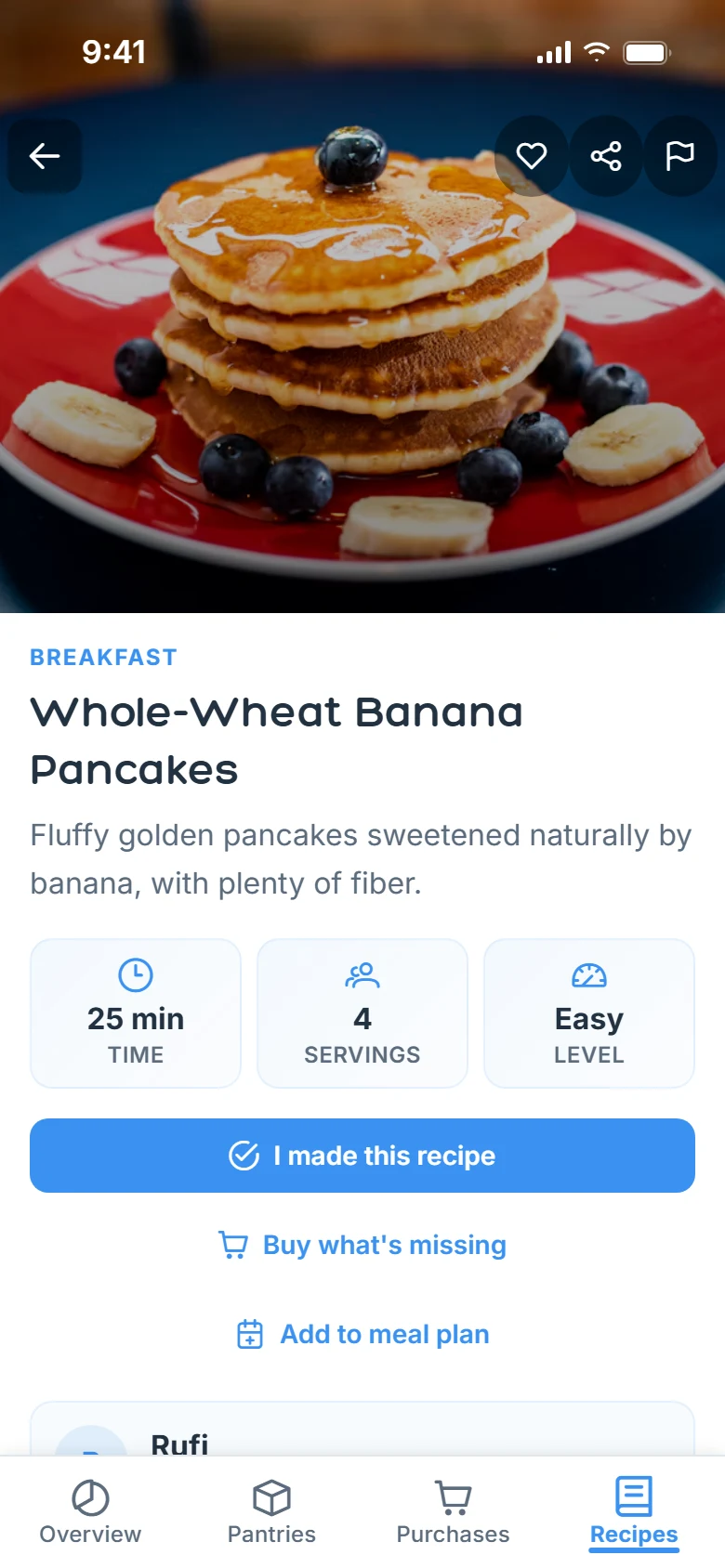
Yes. The free plan already includes a pantry with expiry alerts, barcode scanning and sharing, with quantity limits. Premium unlocks unlimited pantries and receipt photos.
From the barcode: when the product is in the database, the name, brand and photo are filled in. You check them before saving.
Yes. Share it with the people you share the space with, with view or edit permission.
The AI reads the photo only to fill in the review screen, and the image is not stored. Rufi keeps only what you confirm. Receipt photos are part of Premium and Family.
Yes: scan several codes in a row, import a spreadsheet or use a shelf or receipt photo.
Download Rufi for free and add your first item by barcode.